Vapi for
FaceTime
AI video agents that answer FaceTime calls, in a few lines of code.
Watch the demo

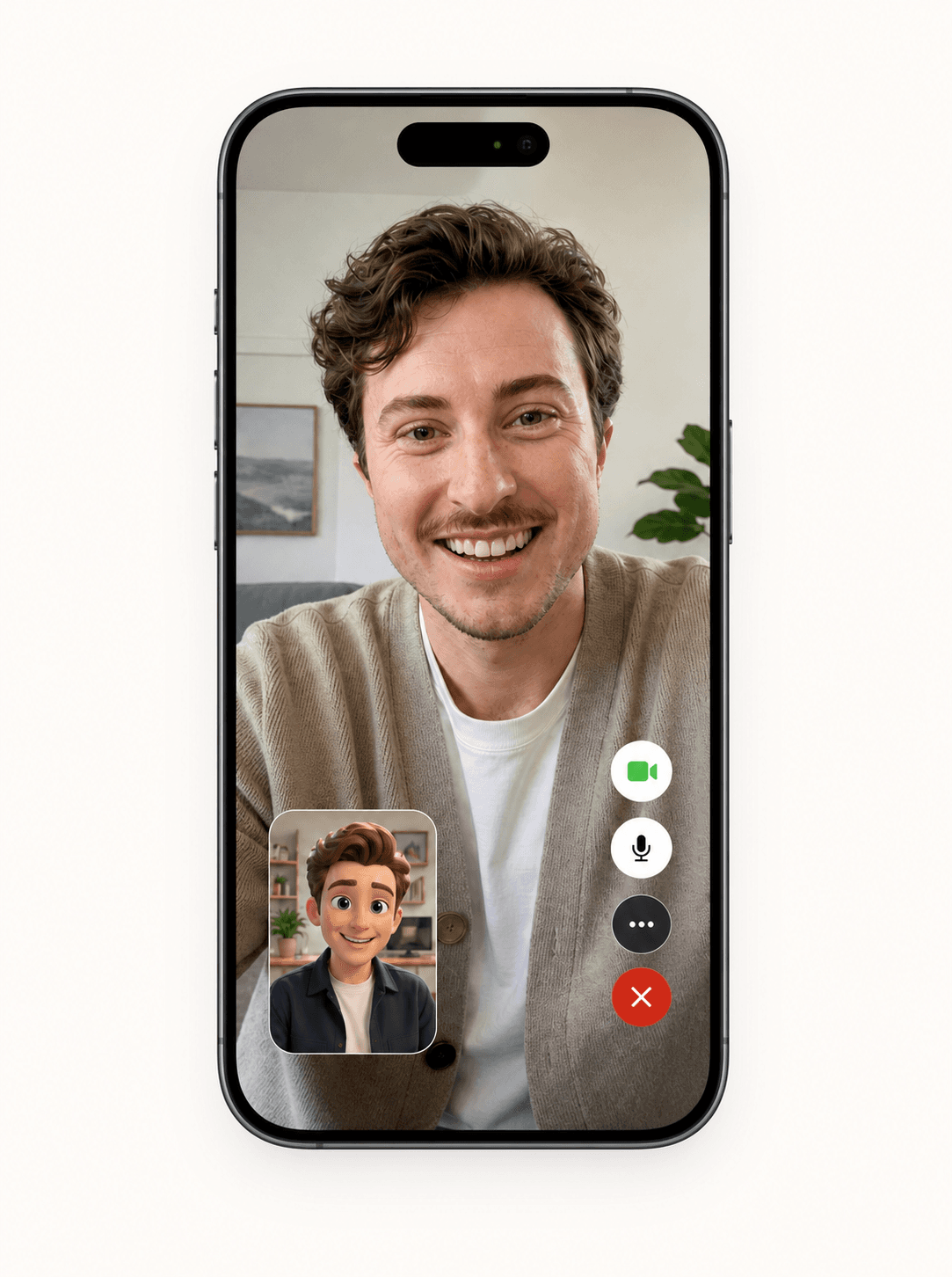
Voice agents are blind.
Chert isn’t.

Voice only
“Uh, which cable?”
FaceTime
“The blue cable, second from the left.”
Set up your agent.
Configure the prompt
Choose the persona
Deploy with a line

Work that needs eyes.
- Remote support
- Field service
- Telehealth intake
- Guided onboarding
- Visual inspections
- Customer success
FAQ
Is the FaceTime API available?
Chert’s FaceTime API is in a controlled private preview.
Can I test before calling?
Yes. Preview your assistant in the browser before publishing.
Can I receive FaceTime calls?
Provisioned previews support inbound test calls. Live calling requires authorization.
What can I configure?
Instructions, model, voice, avatar, framing, publishing and line assignment.
Vapi for FaceTimeBuild an agent people

Build an agent people
can actually show things to.
Try the controlled preview or talk with us about your first video-agent workflow.